Motorhome TV Setup: How to Get Signal and Power on the Road
Setting up a motorhome TV setup, a system for watching TV while traveling in a motorhome, often using a combination of antennas, satellite dishes, and power management tools. Also known as RV TV installation, it’s not just about plugging in a screen—it’s about making sure you get a signal, don’t overload your battery, and stay legal on the road. Many people assume you can just turn on the TV like at home, but the moment you hit the open road, everything changes. Your power source shifts from grid electricity to a limited battery or inverter. Your signal source goes from cable or Wi-Fi to over-the-air broadcasts or satellite. And if you’re parked near trees, hills, or metal structures, even the best antenna might struggle.
That’s why a solid motorhome TV antenna, a device designed to pick up broadcast TV signals while moving or parked in remote areas, often with manual or automatic rotation matters more than you think. A basic indoor antenna won’t cut it when you’re parked in the Scottish Highlands or the Lake District. You need something mounted on the roof, preferably with a built-in amplifier and a clear view of the sky. Brands like Winegard and Channel Master are common for a reason—they’re built for movement and weather. Then there’s the satellite TV for motorhome, a portable or fixed satellite system that pulls in TV channels via satellite, ideal for areas with weak terrestrial signals. It’s pricier and needs a clear view of the southern sky, but if you’re camping far from towns, it’s the only way to get consistent channels like BBC or ITV.
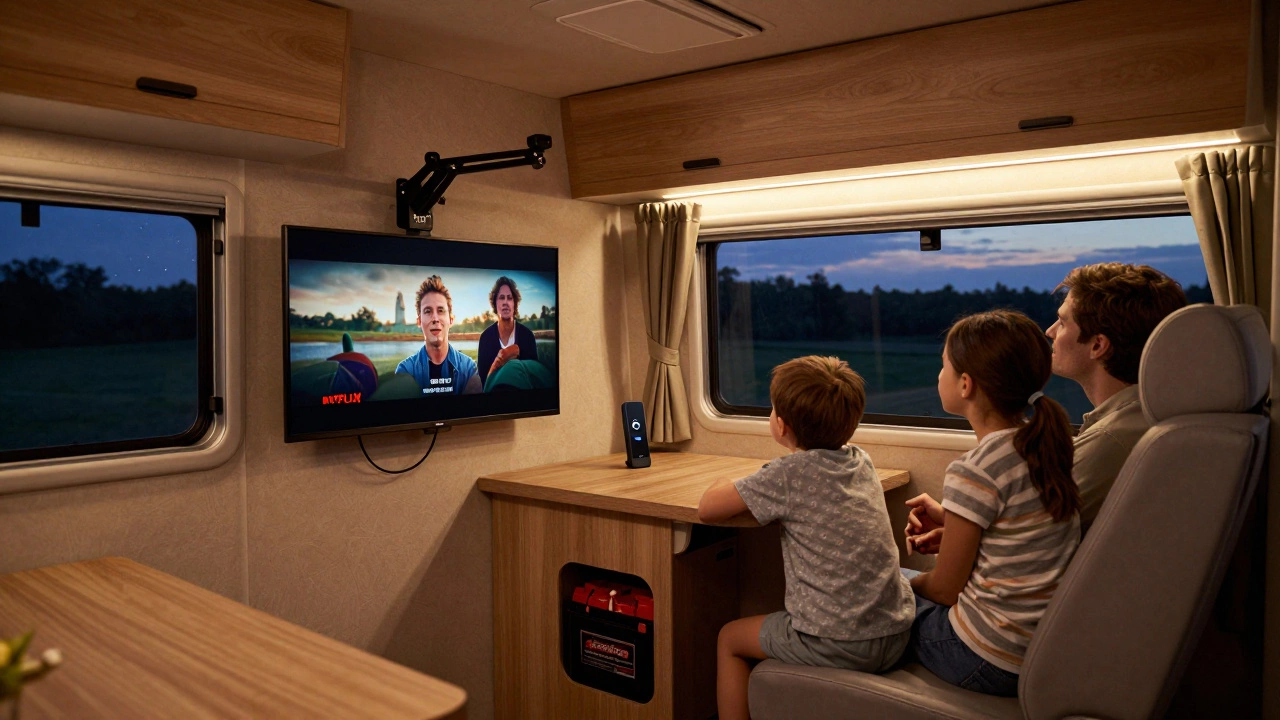
Power is another big piece. Most motorhome TVs run on 12V DC, but some newer models need 240V AC. If you’re using a standard TV, you’ll need an inverter to convert your battery’s power. But inverters drain batteries fast—especially if you’re watching for hours. That’s why many owners switch to 12V LED TVs designed for vehicles. They use less power, run cooler, and connect straight to your motorhome’s electrical system. Don’t forget to check your fuse box and wiring. Overloading circuits is a common mistake that leads to blown fuses or, worse, fire risks. And while you’re at it, think about where you’ll mount the TV. A swivel mount helps when you’re parked unevenly, and a secure bracket keeps it from flying off during a bumpy ride.
There’s also the question of legality and etiquette. Some campsites ban satellite dishes because they block views or interfere with neighbors’ signals. Others restrict TV volume after 10 PM. You might think it’s just entertainment, but in a tight campsite, it’s about respect. And if you’re relying on streaming, remember: mobile data is expensive and spotty. Download shows before you leave, or invest in a portable Wi-Fi hotspot with a UK data plan.
What you’ll find in the posts below aren’t fancy tutorials or marketing fluff. They’re real, tested tips from people who’ve been stuck with no signal in the rain, fried their inverter trying to watch a movie, or spent hours adjusting an antenna only to get three channels. You’ll learn what gear actually works in the UK, how to avoid common power mistakes, and where to find the best free-to-air signals without paying for expensive subscriptions. No theory. No guesswork. Just what gets you watching your favorite show without the hassle.
-
 VIEW POST
Will a Normal TV Work in a Motorhome? Here's What You Really Need to Know
Dec, 7 2025|0 CommentsA normal TV won't work in a motorhome without a powerful inverter and strong battery. A 12V TV is the smart, efficient choice for off-grid entertainment. Learn what works, what doesn't, and how to set it up right.